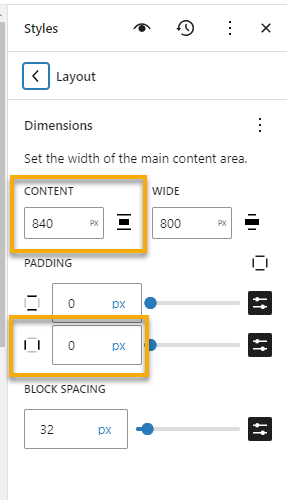
You can change the default layout for the entire website which includes a left/right margin in the default STYLE SHEET.
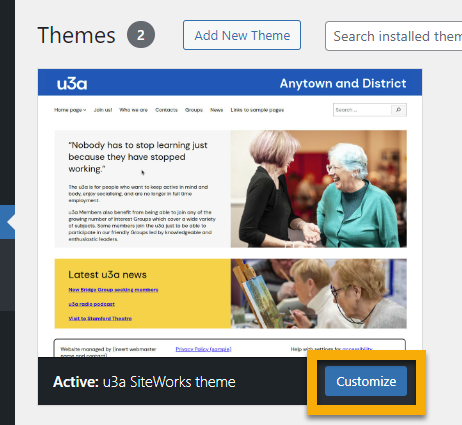
Go to THEMES and click on CUSTOMIZE
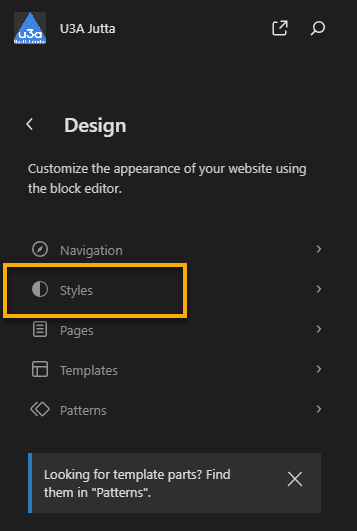
Click on STYLES
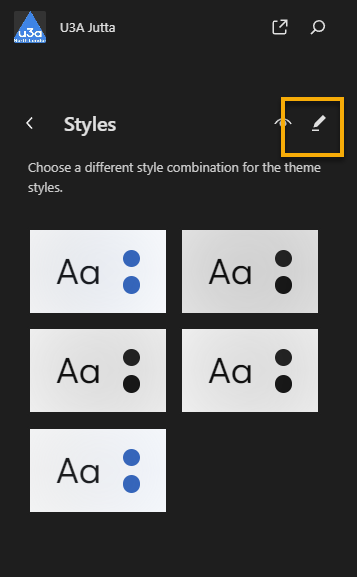
To edit the current style, click on the PENCIL
On the right select LAYOUT
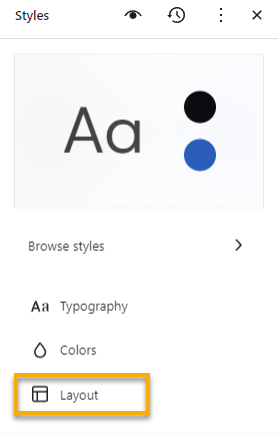
Now there are two options to control the spacing on the left and right hand side.
Either by setting the CONTENT width (below 840 px) or by increasing the left/right PADDING.