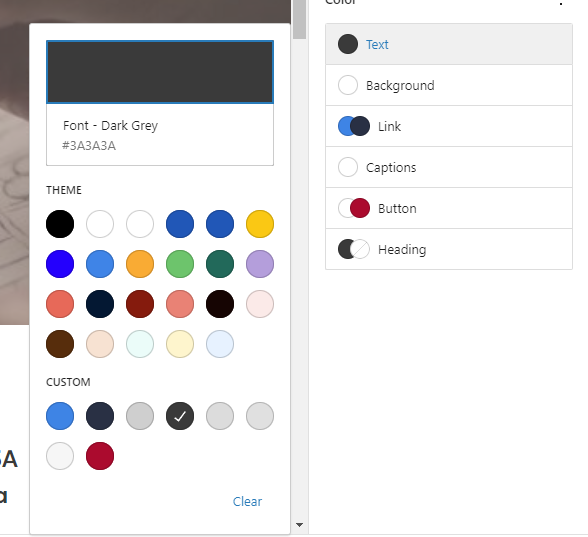
To define the CUSTOM Colours (Blue de France, Space Cadet, Red and the Greys ) in SITEWORKS so they are available to choose for Text, Background, Link, Button and Heading

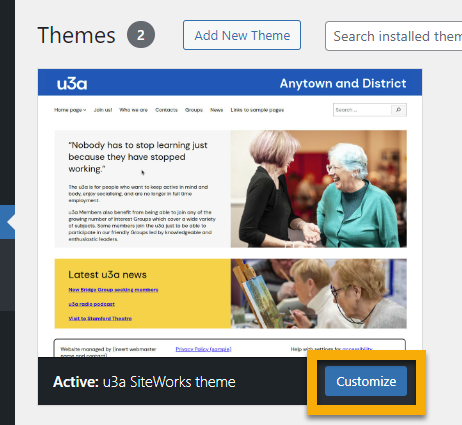
Go to THEMES and click on CUSTOMIZE
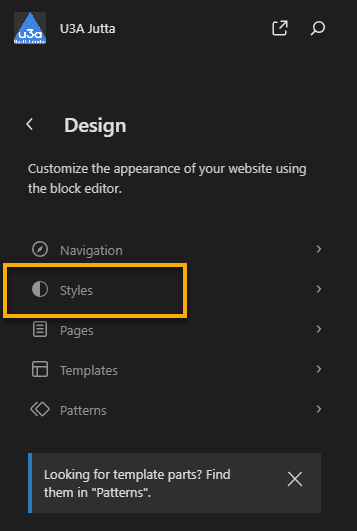
Click on STYLES
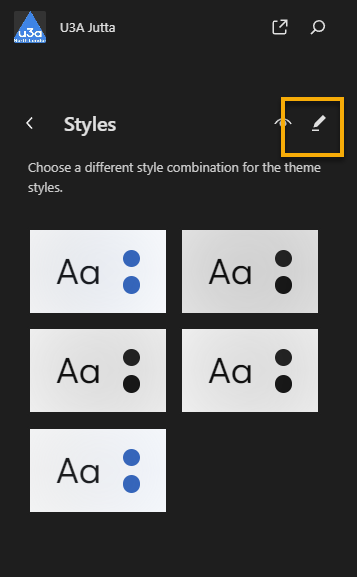
To edit the current style, click on the PENCIL
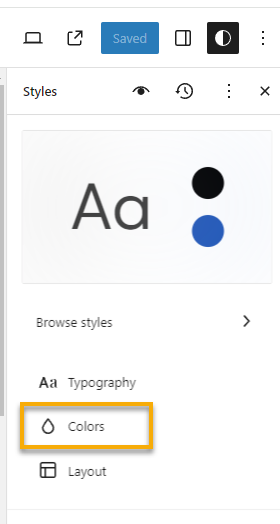
On the right select COLORS
Click on the colours below PALETTE
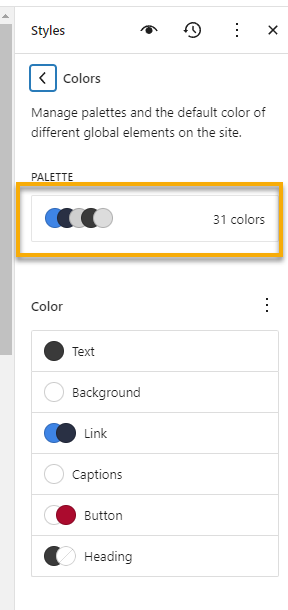
To add a colour, click on the PLUS sign

You can now give the colour a NAME and define the HEXDECIMAL Value of the colour

The COLOUR is now available when you choose your Text, Background, Link, Button and Heading Colours